Company Logo
Delta Media Group's Blog

Subscribe and receive email notifications of new blog posts.



rss logo RSS Feed
Automation | 27 Posts
AVM | 6 Posts
Blogging | 11 Posts
Branding | 23 Posts
Conversion Rate | 1 Posts
Coronavirus | 5 Posts
CRM | 25 Posts
Delta Services | 2 Posts
Delta Tech Talk | 2 Posts
DeltaNet | 31 Posts
DeltaNet 5 | 8 Posts
DeltaNET 6 | 14 Posts
Education | 1 Posts
Email Marketing | 24 Posts
Fusion | 1 Posts
Google | 1 Posts
Holiday | 5 Posts
Lead Generation | 45 Posts
Link Building | 1 Posts
Local SEO | 8 Posts
Marketing | 14 Posts
News | 5 Posts
Online Marketing | 24 Posts
PPC | 6 Posts
Press Release | 1 Posts
Press Releases | 4 Posts
RESO | 2 Posts
SEO | 40 Posts
SMS Texting | 7 Posts
System Update | 41 Posts
Tech Tuesday | 287 Posts
Video Demos | 1 Posts
Video Marketing | 12 Posts
Web Design | 4 Posts
Webinar | 22 Posts
Website Design | 15 Posts
New Website Modular Site Design Search Engine Optimization SEO Social Media for Real Estate News Industry News DeltaNet System Updates Mobile Conference Webinar Culture Reviews Listing Videos Blogging Recruit and Retain Social Media Marketing Live Chat Delta Media Group Agent Facebook Email Marketing web design Mobile First Mobile Responsive Video Marketing Local SEO More Leads Lead Generation New Releases RESO CRM Zillow Property Search Customize Search Responsive Website Design Grizzard Commercial Real Estate Group Real Estate Agents Employees Coldwell Banker HPW Coldwell Banker Howard Perry and Walston Wardley Real Estate Upgrade System My Customer for Life Open House Listings BHHS Homesale Realty Real Estate Marketing Sales Associates Unlocking Your Potential Instructional Series Video Series Mike Minard Facebook Marketing E-Newsletters Content Content Marketing Customer Reviews Customer Testimonials Online Marketing Digital Marketing SOLD Listings HTTPS SSL Certificate Google Requirements Social media advertising Facebook ads Ad Wizard Open House Connector™ Coldwell Banker Bain Pipeline Manager Convert Leads Process Referrals Find Prospects Hyperlocal content Old Dominion Realty Public Transit Public Transport Coldwell Banker Prime Properties New Construction Homes Builders and Communities Automation A-I Driven Marketing Properties in Motion AVM Reports Reverse Prospecting Inrix Drive Time Work remotely Campaigns and Action Plans DeltaNET 6 Coronavirus Virtual Open Houses Facebook Premieres Market Watch Reports Seller Reports Harley Wolfarth Tech Tuesday Guest Blog Real Estate News Instagram Real Estate Marketing and Technology Magazine LeadingRE Franklin Stoffer Real Estate Sales Success Real Estate Technology SMS Texting Real Estate Text Message Marketing Haring Realty Peter Haring Aaron Geh Allison Rybarczyk Arizona Best Real Estate Training, Tools & Tactics Email Drip Campaigns Old Colony REALTORS® ReTechnology Listing Presentations Brand Building Online Brand Teams & Agents Luxury Real Estate Marketing Local Showings CMA Team Delta Real Estate Pipeline Management
February
4

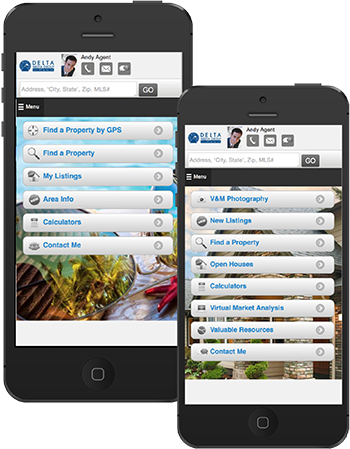
Delta's mobile websites empower real estate professionals to build their brand effectively across all devices. Our mobile platform allows for custom company branding and background imagery of your choice. With our mobile sites you put the MLS at your buyers' fingertips.

Mobile Platform Settings Include:

  • Custom Background Image
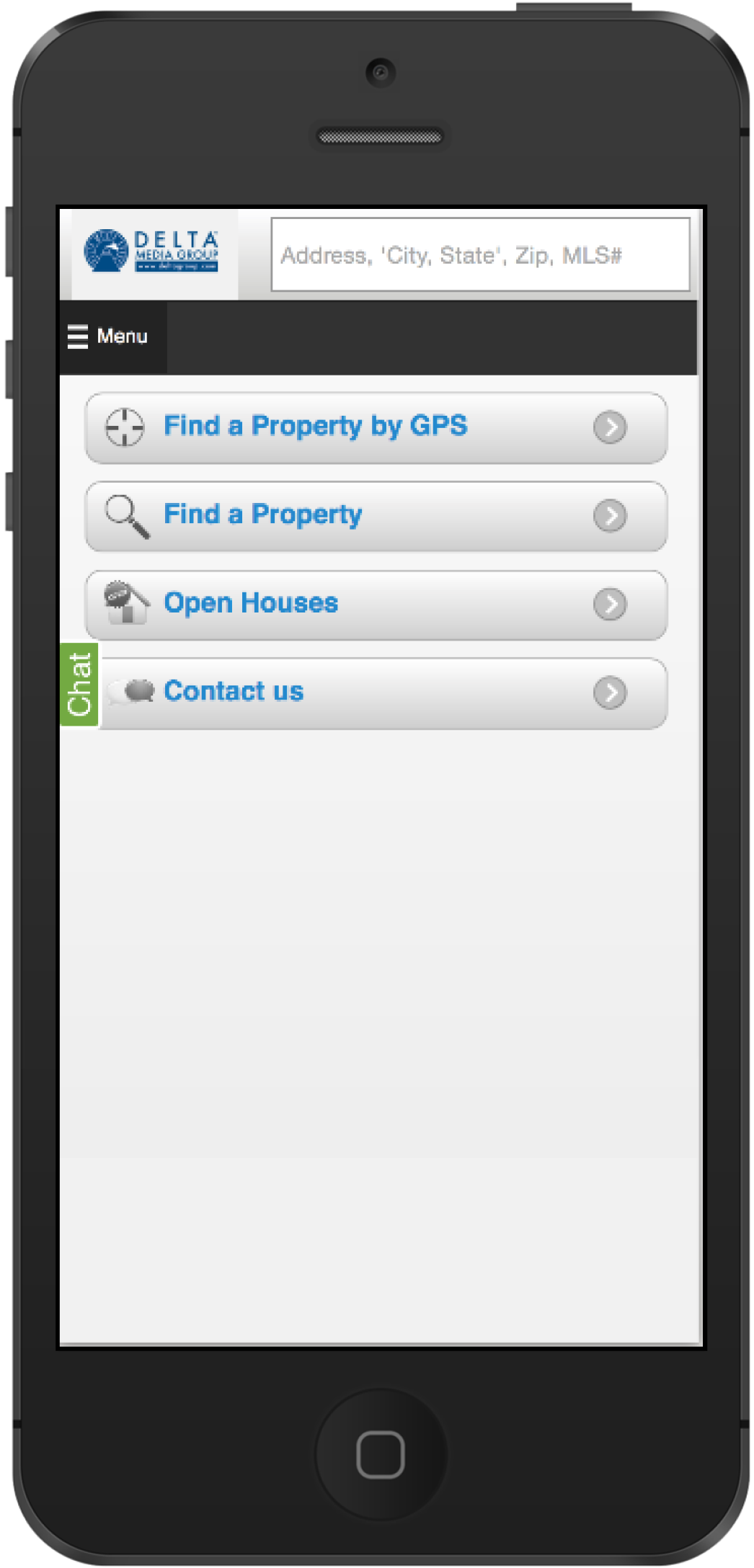
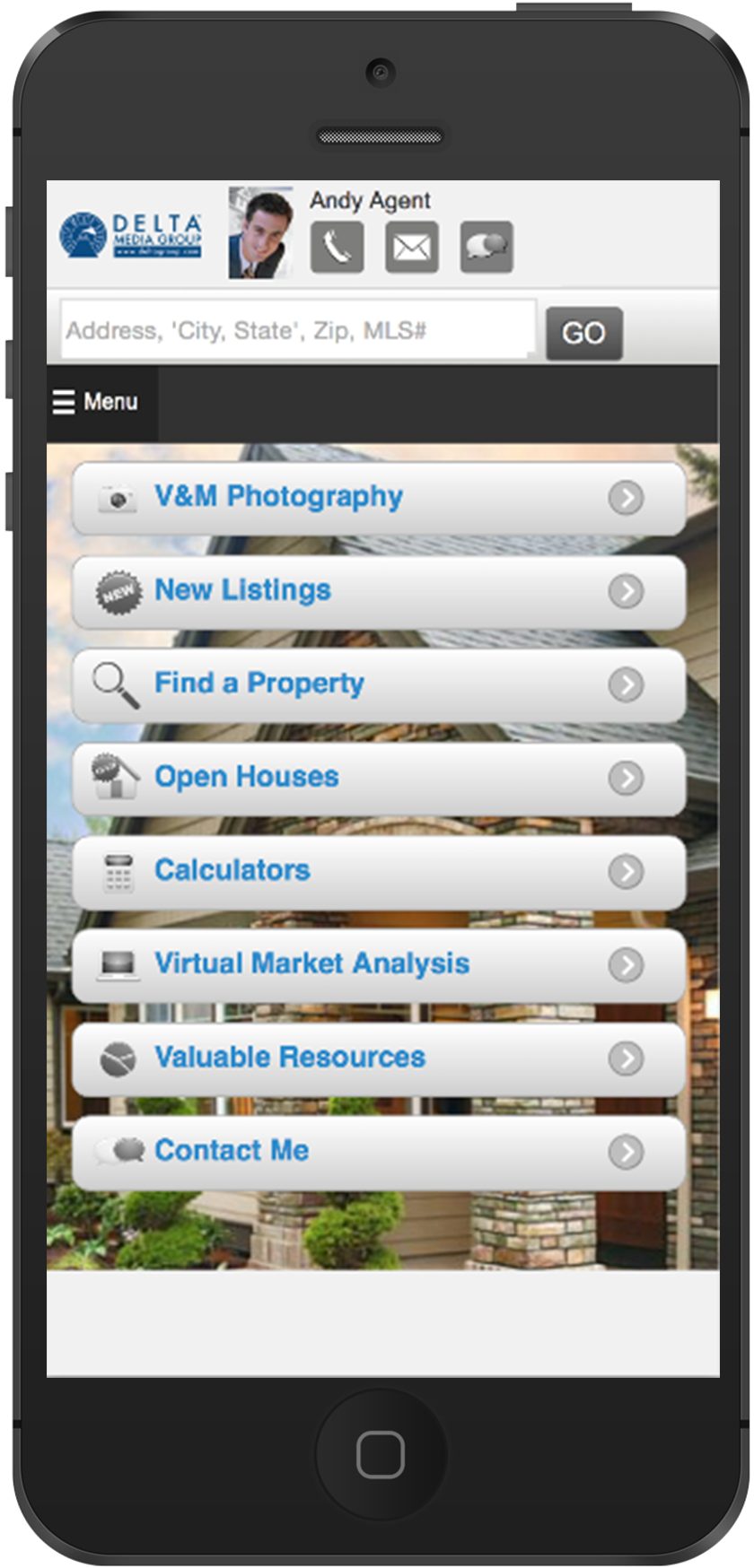
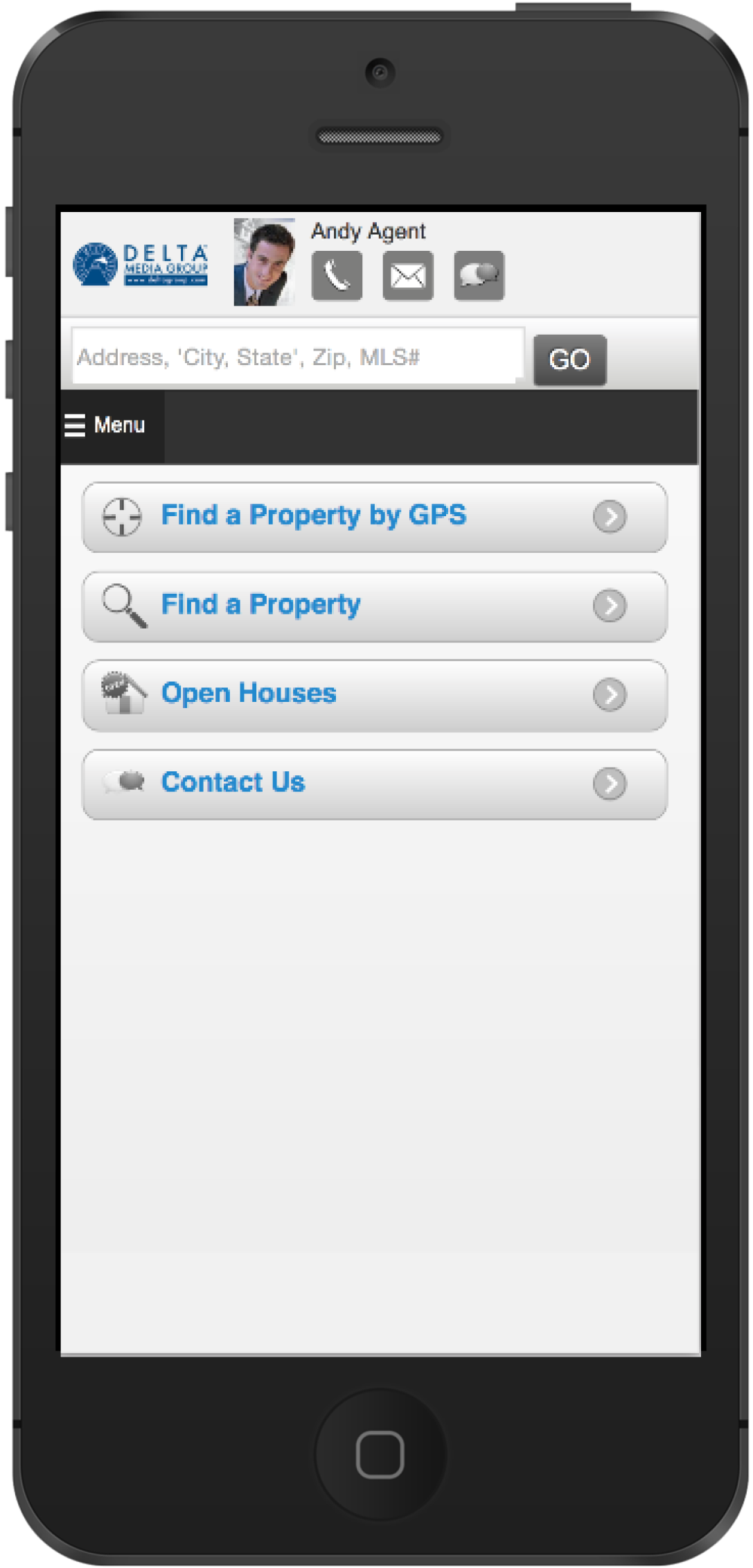
  • Custom Home Screen Navigation
  • GPS Search Default Zoom Control
  • Default Search Customization

When was the last time you updated your background image on your mobile website?
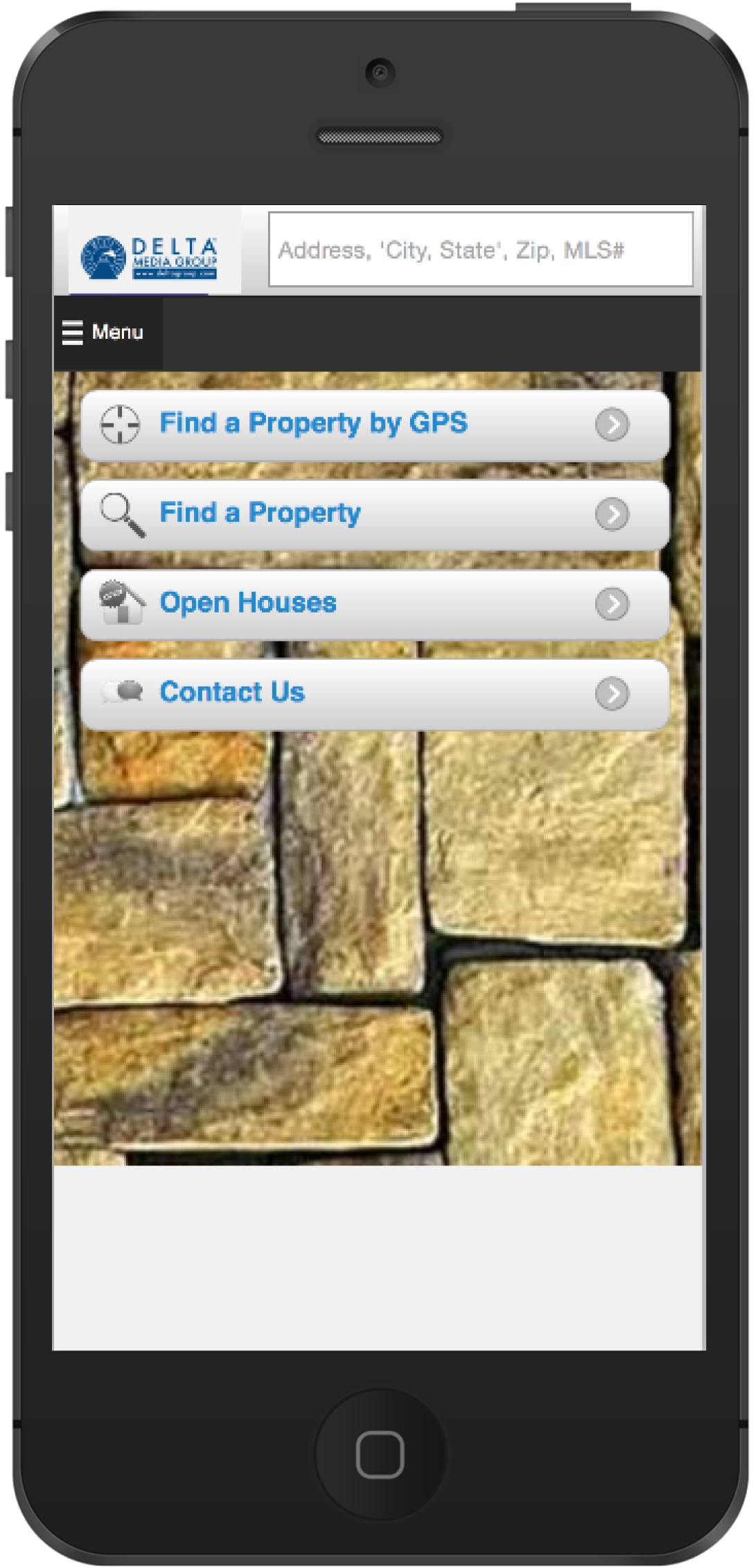
              
Mobile Company
Custom
Mobile Company 
Standard 
Mobile Agent
Custom
Mobile Agent
Standard


Follow this simple process when logging into the DeltaNet™ go to the more tab, then preferences and then to mobile settings where you can update your mobile background image and settings. 
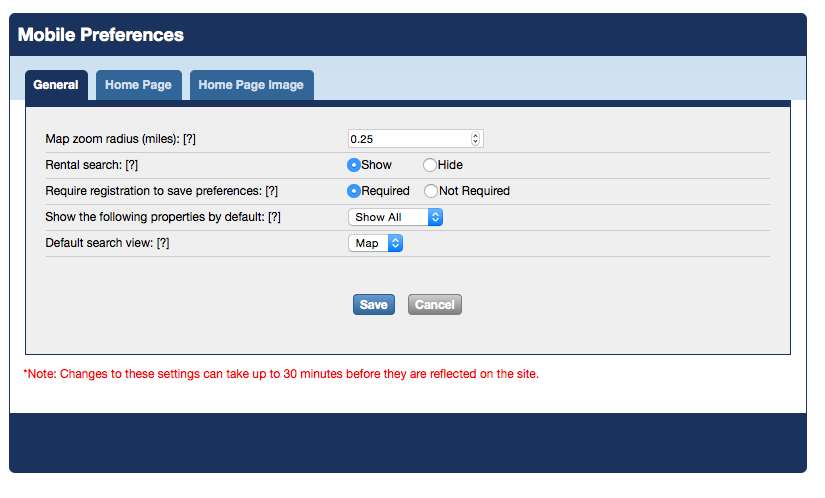
The General Tab allows you to:

  • Control how close the mobile map search is zoomed in when a customer visits this page
  • Choose to show rental search displays
  • Require registration in order for a customer to save search preferences
  • Show properties that should appear by default (Residential, Commercial, Rental)
  • Set default search view by map or list view
     

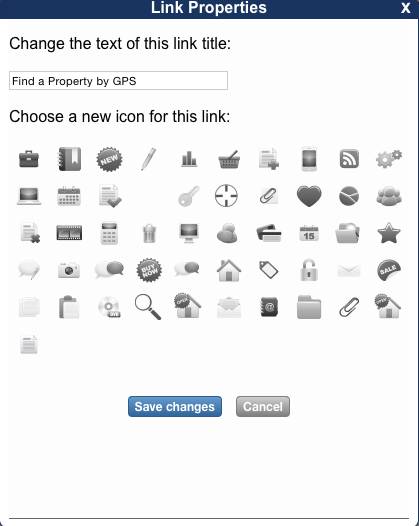
The Home Page Tab allows you to:

  • Adjust the appearance of your mobile home page
  • Set the home page to show as custom or by a map search page
  • Customize the links to show on your home page as buttons
  • Customize the order you want links to appear on the home page screen
  • Change the text of the link title and choose the icon for the link
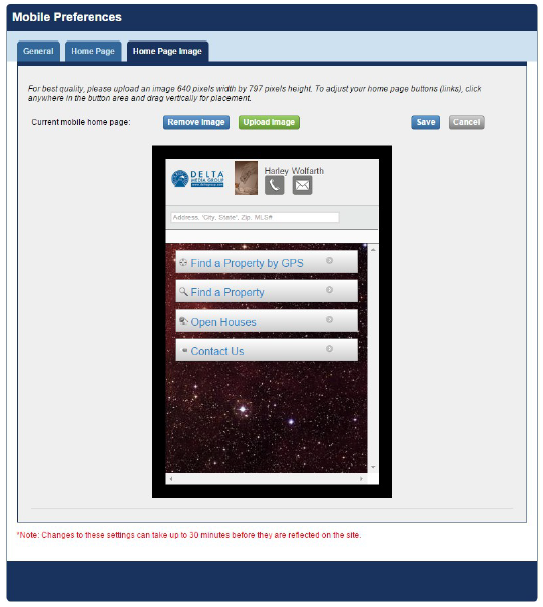
The Home Page Image Tab allows you to:

  • Choose your background image on your mobile home page that will appear behind the link buttons

Contact us today and find out more about our Mobile Websites.  

Schedule a Consultation

Login to My Homefinder